

Table of Contents
- The Hidden Cost of the “Always-On” Remote Trap
- 4 Foundational Asynchronous Communication Tips for Remote Work
- The Bottleneck: Why Drafting Async Messages Drains Your Energy
- Combining AI Writing Tools With Async Communication
- Why Grammarly Is the Remote Work Productivity Secret
- Practical Blueprint: How to Save Time on Email Drafting
- Curating Your Stack: Best Browser Extensions for Remote Workers
- Optimizing the Digital Nomad Productivity Setup
- Reclaim Your 5+ Hours This Week
Modern remote work promised freedom from fluorescent-lit cubicles, long highway commutes, and pointless water-cooler gossip. Yet, for millions of distributed professionals, the office commute has simply been replaced by an endless cycle of digital clutter. The standard workday has morphed into an exhausting marathon of Slack pings, back-to-back video calls, and a perpetually overflowing inbox.
The top 1% of distributed professionals do not work more hours to overcome this communication debt. Instead, they operate on a fundamentally different paradigm: asynchronous mastery.
When you shift from real-time reactivity to deliberate, asynchronous collaboration, written communication replaces meetings. Every project update, status report, and strategic proposal becomes a document, a message, or a ticket. However, this shift introduces an unexpected bottleneck: written communication demands significant time, energy, and cognitive load.
Drafting clear updates, revising confusing memos, and proofreading client emails can easily siphon away 10 to 15 hours every week. This is where top remote professionals gain an unfair advantage: combining AI writing tools with async communication. By embedding intelligent writing assistants into their daily workflows, distributed workers are reclaiming over five hours every single week while producing clearer, more persuasive, and impact-driven communication.

The Hidden Cost of the “Always-On” Remote Trap
Real-time communication creates an illusion of speed while quietly decimating deep, focused work. When a team relies on constant messaging apps to resolve simple questions, every team member’s day becomes fragmented into ten-minute intervals.
Context switching is a productivity killer. Research shows that it takes upwards of 20 minutes to regain deep focus after a single interruption. If you answer four “quick questions” on Slack throughout your morning, half of your peak creative bandwidth is gone.
Asynchronous communication solves this by decoupling the sender’s message from the recipient’s immediate response. It grants people uninterrupted blocks of time to design, write, code, analyze, and build.
The barrier to effective async collaboration is clarity. In a synchronous meeting, you can rely on vocal inflection, body language, and immediate follow-up questions to clear up misunderstandings. In written text, ambiguity leads to endless reply chains, misplaced priorities, and unnecessary frustration. To make async communication work, your writing must be sharp, complete, and easy to interpret on the first pass.
4 Foundational Asynchronous Communication Tips for Remote Work
Before turning to software and AI, you need a disciplined framework. High-performing distributed teams adhere to key communication principles to keep projects moving forward across time zones without friction:

1. Default to Full Context Over Ping-Pong Exchanges
Never send a message that simply reads, “Hey, quick question when you’re free.” This forces an unnecessary cycle of waiting. Instead, state the context, the core question, what you have already attempted, and the precise decision or input required.
2. State Next Actions and Deadlines Up Front
Every asynchronous update should conclude with clear ownership:
- Who is responsible for the next step?
- What specific action is needed?
- When is it needed by, factoring in differing time zones?
3. Embrace Low-Bandwidth Channels First
Follow a structured hierarchy:
- Knowledge base / Documentation (Notion, Confluence, Google Docs) for permanent decisions.
- Task management boards (Linear, Asana, Jira) for project tracking.
- Async messaging (Slack, Teams) for non-urgent updates.
- Live video calls reserved only for sensitive feedback, conflict resolution, or complex whiteboarding.
4. Provide Logical Paths for Unblocking
If you need sign-off before proceeding, provide a default path forward: “If I don’t hear any objections by Thursday at 3 PM UTC, I will proceed with Option B.” This simple technique prevents projects from stalling while waiting for an approval across time zones.
The Bottleneck: Why Drafting Async Messages Drains Your Energy
Writing well is mentally demanding work. When remote workers commit to documenting their thoughts thoroughly, they often experience a massive surge in drafting fatigue.
Consider a typical workday:
- 4 project briefs to review and refine.
- 12 detailed Slack or Teams updates outlining engineering or marketing deliverables.
- 8 client or vendor emails that require a polite, professional, and confident tone.
Without the right tools, workers spend hours staring at blank text boxes, rewriting paragraphs, second-guessing their word choice, and hunting down passive voice or typos.
The goal of asynchronous work is not to turn every professional into a full-time copywriter. The goal is to share knowledge quickly and get back to high-impact work. This is where modern AI writing assistants transform personal productivity.

Combining AI Writing Tools With Async Communication
By integrating AI directly into your daily writing environment, you remove the friction between having a thought and communicating it with impact.
Rather than laboring over line-by-line revisions, remote workers use AI tools to handle structural refinement, tone calibration, and grammatical precision in real time. This workflow fundamentally alters your daily capacity:
- Eliminates Blank-Page Hesitation: Instantly expand quick bullet points into structured updates.
- Prevents Miscommunication: Removes ambiguous phrasing, vague antecedents, and convoluted sentences before they confuse colleagues.
- Standardizes Tone: Aligns your message with the recipient’s expectation whether you need to be direct and concise with leadership or supportive and detailed with a direct report.
Why Grammarly Is the Remote Work Productivity Secret
While there are numerous text generators on the market, standalone AI chatbots often add friction: you have to switch tabs, paste text into a separate window, prompt an AI, copy the output, and paste it back into your workspace.
Top performers rely on inline assistance that works natively where they already communicate. This is why Grammarly remains the remote work productivity secret for elite distributed professionals.
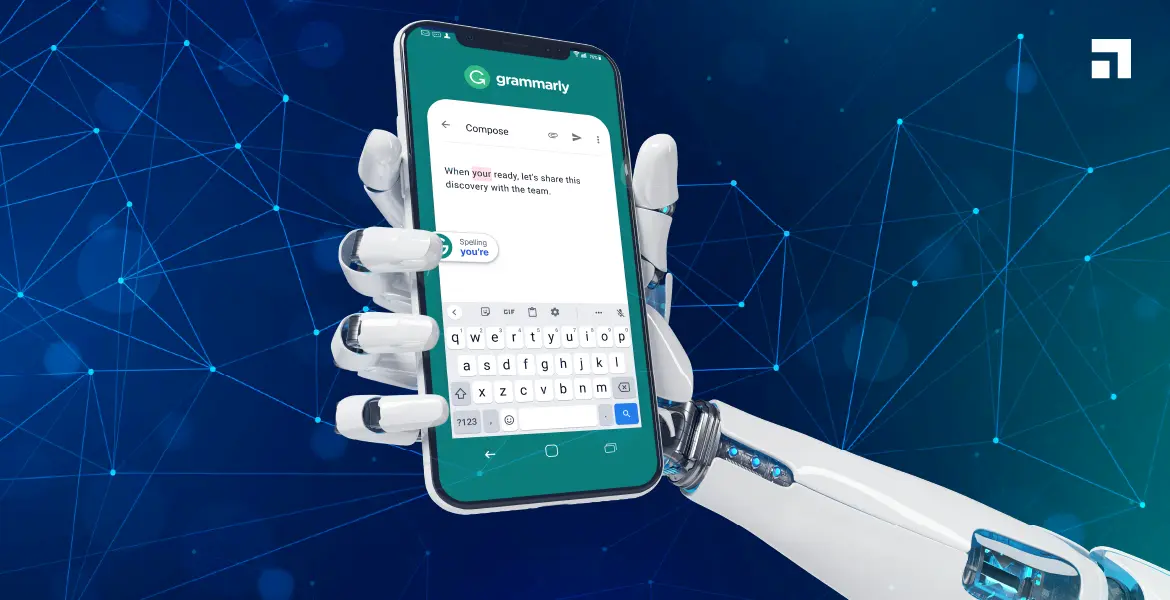
Grammarly is far more than a spell-checker; it is an intelligent communication layer embedded directly into your browser, desktop apps, and document editors.
1. Real-Time Tone Detector and Adjustment
In remote setups, text can easily sound cold, dismissive, or passive-aggressive, even when unintentional. Grammarly’s tone detector evaluates your writing as you type, showing whether your message reads as friendly, analytical, confident, or direct. With a single click, you can soften a direct request or sharpen an indecisive proposal into an authoritative action item.
2. Contextual One-Click Rewrite Suggestions
Grammarly identifies wordy phrases, unnecessary jargon, and split infinitives, offering clear alternatives on the spot. Instead of spending five minutes tightening an explanation, you simply accept suggested clarity edits with a keystroke.
3. Native Generative AI for Fast Outlining
When facing a complex status update, you don’t need to compose the entire narrative manually. Grammarly’s generative AI features let you prompt the engine directly inside Slack, Gmail, or Notion:
“Turn these three bullet points into a concise executive update for our weekly check-in.”
Within seconds, you have a well-structured draft ready for review.
4. Seamless Universal Integration
Because Grammarly works across web browsers, desktop applications (Word, Slack, Apple Mail), and mobile devices, your writing standard remains consistent across every channel. You avoid context switching, save time, and maintain polish throughout the day.
Practical Blueprint: How to Save Time on Email Drafting
Email remains one of the largest time sinks for remote workers. Drafting long emails from scratch drains willpower and focus. Here is a practical, step-by-step workflow top professionals use to cut their email drafting time by over 60%:
Applying this structured approach to five or six complex emails every day saves 40 to 50 minutes daily—adding up to more than four hours saved each work week on email alone.
Curating Your Stack: Best Browser Extensions for Remote Workers
High-efficiency remote setups rely on a lean, high-leverage toolkit. Cluttering your browser with dozens of single-purpose add-ons creates lag and distraction. Instead, focus on a unified stack of high-utility browser extensions:
Optimizing the Digital Nomad Productivity Setup
When working across varying locations, co-working spaces, and cafes, complexity is the enemy. A dependable digital nomad productivity setup prioritizes lightweight, dependable tools that function regardless of desk size or local infrastructure.
- Hardware Minimalism: A lightweight laptop, a compact laptop stand, an ergonomic mouse, and noise-canceling headphones.
- Offline-Capable Documentation: Local-first tools like Obsidian or Notion for drafting notes without relying on hotel Wi-Fi.
- Automated Writing Safeguards: Having Grammarly active on your machine acts as an editorial safety net. Whether you are answering an urgent message from a train station or finalizing a proposal late at night across conflicting time zones, your writing remains consistent and error-free.
Reclaim Your 5+ Hours This Week
Async communication is not simply an operational strategy; it is the key to sustainable remote work. It frees your schedule from reactive meetings and gives you control over your focus.
By pairing disciplined async habits with intelligent tools like Grammarly, you eliminate the cognitive friction of drafting, revising, and second-guessing your writing. You communicate with authority, deliver updates clearly, and win back five or more hours every single week.