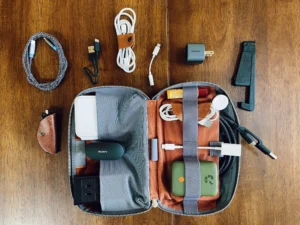


The modern mobile office has outgrown the romance of balancing a laptop on a wobbly café table while hunting desperately for a wall outlet. For digital nomads, executives on the move, and hybrid professionals, working remotely requires speed, redundancy, and efficiency. Every item in your bag must earn its weight, eliminate friction, and keep your production lines moving regardless of time zone or local infrastructure.
Curating a high-performance mobile setup is not about packing more gear; it is about choosing multi-functional, reliable hardware that packs down tight. From GaN semiconductors that condense entire desktop charging stations into pocketable cubes to noise-canceling acoustics that carve out private meeting rooms in bustling airport lounges, here is the definitive guide to the best travel tech accessories engineered to save space, sustain power, and let you work smarter anywhere in the world.

1. High-Density Power: Consolidating Your Charging Ecosystem
The foundation of any serious mobile workstation is uninterrupted power. Traditional travel setups involved a tangled mess of proprietary power bricks—one for the laptop, another for the phone, a separate adapter for the smartwatch, and a backup battery that took all night to recharge. Today, advancements in Gallium Nitride (GaN) technology have rendered that bulky mess obsolete.
Leading the charge in this transition are advanced solutions like the UGREEN Nexode Pro 100W USB-C GaN Charger, which delivers multi-device rapid charging in a chassis no larger than a standard deck of cards.
The GaN Advantage for Minimalist Packing
Silicon-based transformers waste energy through heat dissipation, demanding larger enclosures and heavy heat-sink plates. GaN chargers operate at significantly higher electrical efficiencies, transferring current faster while generating a fraction of the thermal footprint.
When scouting the best travel charger, look for a unit capable of outputting a minimum of 65W to 100W via Power Delivery (PD) 3.0 or PD 3.1. This single brick can fast-charge a 16-inch MacBook Pro or high-draw Windows ultrabook while simultaneously trickle-charging your phone and noise-canceling earbuds through secondary ports.
For international itineraries, choose a multi-port USB-C charger for travel that includes interchangeable, snap-on plug heads (US, UK, EU, and AU) rather than chaining loose travel adapters together, which often sag under their own weight on worn airport wall sockets.
Selecting a Reliable High-Capacity Travel Power Bank
Wall outlets are not guaranteed on sleeper trains, regional flights, or remote beachside co-working spots. A dependable travel power bank—such as the high-draw UGREEN 145W Fast Charging Power Bank—is your primary insurance policy against mid-project blackouts.
To keep your operations smooth:
- Check the Watt-Hour (Wh) Rating: The Federal Aviation Administration (FAA) and international aviation authorities limit carry-on lithium-ion batteries to 100Wh without prior airline approval (roughly equivalent to 27,000mAh at 3.7V). Never check a lithium power bank in hold luggage.
- Prioritize Bi-Directional High-Wattage PD: A power bank should deliver at least 65W to charge a laptop at functional speed, but it should also accept 65W input so you can fully recharge the pack itself during a brief 45-minute airport layover.
- OLED Smart Displays: Digital status meters that display real-time output wattage, remaining capacity percentages, and time-to-empty metrics eliminate the guesswork of standard four-dot LED indicators.
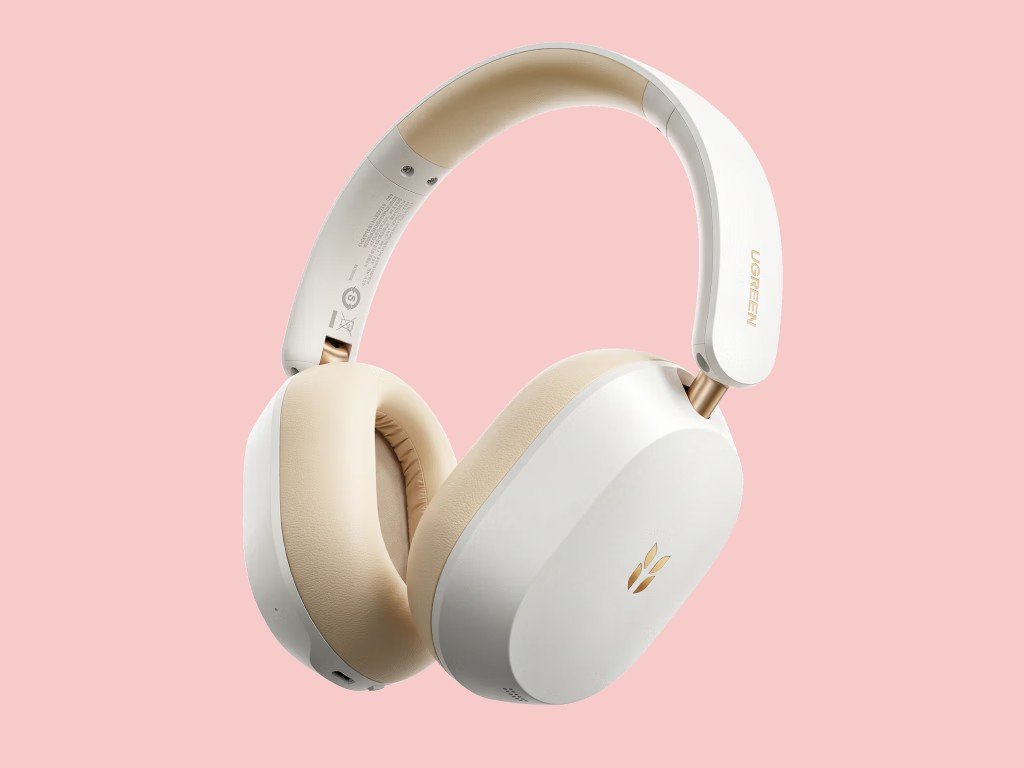
2. Port Replicators and Mobile Connectivity
Ultrabooks have shaved millimeters off their chassis by stripping away legacy ports, leaving users with two or three bare USB-C slots. While sleek, this minimalist design backfires the moment you must present slides over an HDMI projector, pull footage off an SD card, or plug directly into a hotel’s hardwired Ethernet port when the local Wi-Fi buckles under peak evening traffic.
Integrating a streamlined dock like the UGREEN Revodok Pro 9-in-1 USB-C Hub restores full workstation functionality without occupying precious bag space.
The Multi-Port USB-C Hub: Unlocking Desktop Utility
A premium USB-C hub for travel bridges the gap between portability and stationary computing power. Instead of carrying individual dongles for every standard, invest in an aluminum multiport dock with Pass-Through Power Delivery (100W PD-in).
Key interfaces every traveling professional requires:
- 4K 60Hz HDMI Video Out: Avoid cheap hubs capped at 30Hz; 30Hz video output creates noticeable cursor lag and ocular fatigue during long work sessions.
- Gigabit Ethernet (RJ45): In crowded hotels or remote Airbnbs where multiple guests saturate the Wi-Fi bandwidth, a hardwired Ethernet connection consistently delivers stable VoIP calls and uninterrupted data transfers.
- UHS-II SD/MicroSD Card Slots: Vital for creative professionals offloading high-bitrate media files without needing standalone readers.
- USB-A 3.2 Gen 2 Ports: For legacy flash drives, presentation clickers, and hardware security keys.
Security and Redundant Internet Off the Grid
Relying entirely on open café or hotel Wi-Fi networks exposes sensitive enterprise communications to intercept risks. A complete tech accessories for business travel kit integrates two layers of network security:
- Hardware Travel Router: Pocket-sized routers create a private, encrypted local network inside your room. They allow you to bridge public Wi-Fi networks behind a built-in OpenVPN or WireGuard client, securing all your connected devices under a single authenticated login.
- eSIM and Global Cellular Hotspots: Keep a secondary, carrier-unlocked global data plan pre-installed via digital eSIM profiles to ensure zero downtime when landing across international borders.
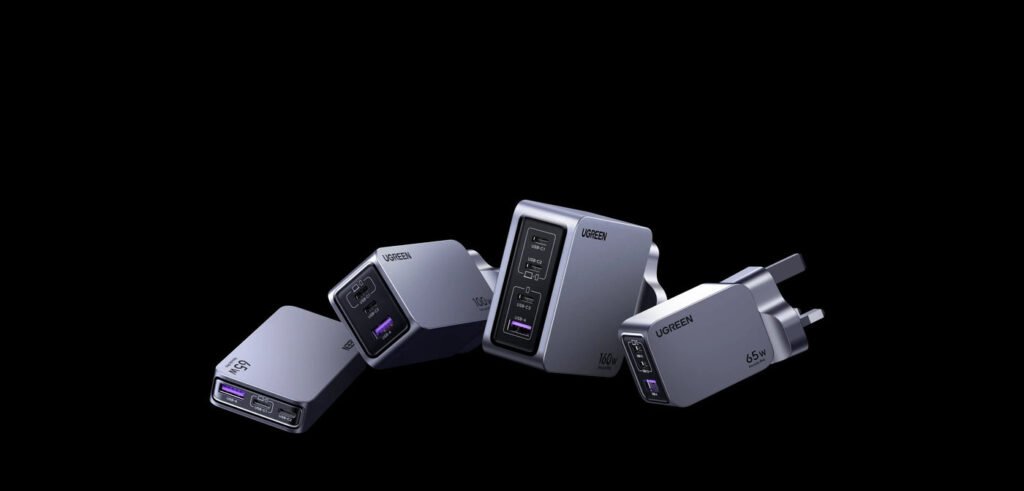
3. Acoustic Focus and Ergonomics: The Anywhere Boardroom
Visual distractions cost minutes; audio distractions derail meetings and ruin focus. When your office shifts daily between crowded airline cabins, train platforms, and shared co-working tables, having a dedicated acoustic and ergonomic setup is non-negotiable.
Active Noise Cancellation (ANC) for Clear Audio
For travel gadgets for frequent flyers, dual-purpose over-ear headphones equipped with adaptive hybrid ANC serve two functions: protecting hearing health during high-decibel cruising altitudes and maintaining vocal isolation during spontaneous client calls.
Look for models featuring multi-microphone beamforming arrays that filter out background chatter, mechanical hums, and coffee grinders. If you travel ultralight with pocket carry-on only, high-end noise-canceling in-ear monitors provide comparable acoustic separation with a fraction of the packing footprint.
Portable Ergonomics: Protecting Posture on the Move
Hunching over an ultrabook resting on a café table strains the cervical spine, leading to tension headaches and fatigue. True luxury travel tech prioritizes physical endurance through ergonomic design:
- Collapsible Aluminum Laptop Stands: Ultra-thin risers raise the top third of your display to eye level, instantly aligning your posture.
- Low-Profile Mechanical Keyboards & Ergonomic Mice: Pairing an elevated laptop stand with a slim wireless mechanical keyboard and a multi-device Bluetooth mouse restores natural wrist alignment, keeping typing speed consistent with your desktop baseline.
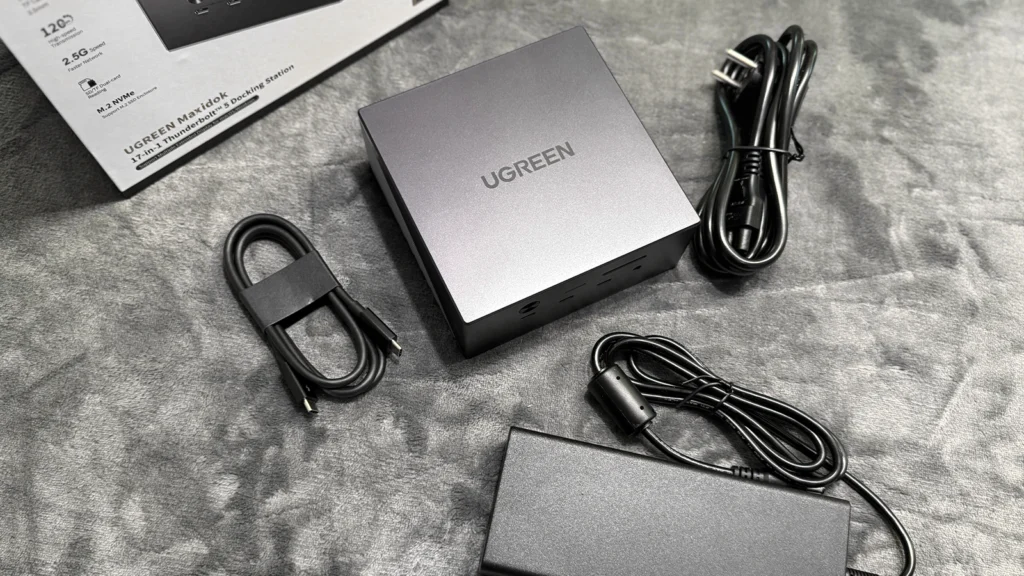
4. Packing and Protection: Assembling the Ultimate Travel Tech Kit
High-end tech accessories lose their utility if they end up crushed in a duffel bag or scratched against metal zippers. Consolidating your cables, bricks, and drives into a dedicated, rugged case like the UGREEN Shockproof Travel Organizer Bag ensures zero setup time when arriving at a new workstation.
Structuring Your Travel Tech Kit
An organized tech pouch eliminates frantic searches through carry-on luggage at security checkpoints. When selecting an organizer, look for:
- Structured Weatherproof Fabrics: 400D to 840D ballistic nylon or TPU-laminated ripstop exteriors repel rain, spilled drinks, and terminal grime.
- Elastic Webbing and Origami Dividers: Internal segmentation prevents chargers, solid-state drives, and cables from knocking against one another.
- High-Flex Braided Cabling: Standard PVC cables harden and crack with temperature shifts and tight winding. Silicone and tightly braided nylon cables resist tangling, sustain thousands of 90-degree bends, and fit into compact elastic loops.
| Accessory Type | Primary Travel Metric | Why It Matters |
| GaN Multi-Port Charger | 65W–100W PD Output | Powers laptop, phone, and tablet from a single compact wall outlet. |
| 100Wh Power Bank | 65W+ Bi-Directional USB-C | Delivers emergency laptop power on long flights while complying with FAA limits. |
| Multiport USB-C Hub | 4K @ 60Hz HDMI + Gigabit RJ45 | Unlocks stable hardwired connectivity and dual-screen productivity in hotels. |
| Active Noise-Canceling Audio | Multi-mic voice beamforming | Carves out a quiet workspace in noisy airports and train lounges. |
| Foldable Ergonomic Stand | Aerospace-grade aluminum | Raises display to eye level, preventing cervical neck strain during long work days. |
Investing in high-grade premium travel accessories and luxury travel gadgets is not about conspicuous consumption; it is about eliminating operational downtime. When every component in your mobile setup performs reliably, your physical location stops dictating your professional output.